Help Scout for SaaS
Support that drives real improvements, not just fast replies
SaaS support is more than just troubleshooting. You’re handling bug reports, feature requests, billing issues, and complex conversations that hold real insights into your product and customers.
Help Scout makes it easy to coordinate it all across support, product, and engineering, so you can resolve issues faster and make sure product improvements actually get implemented.

Trusted by 2,500+ customer-centric SaaS teams




Respond to 56% more messages in your first year.
Customer CSAT is 25% higher than the industry average.
Resolve 73% of AI interactions automatically on average.
Built for growth: 80% of Help Scout customers stay for 4+ years.
As your product grows, support feels the pressure first
If you’re relying on basic email inboxes or stuck in a clunky platform, keeping up with bug reports, feature requests, and day-to-day troubleshooting gets overwhelming. Over time, cracks start to show across your team and your product.
You end up with:
No alignment
Teammates don’t know which requests they’re responsible for, and tickets don’t always route to the right person or team. Some messages slip by, while others get duplicate or conflicting replies.
No context
Customer histories are spread across multiple platforms, views, and menus you have to click through. Without details like subscription status and product activity available at a glance, conversations turn into fact-finding missions.
No feedback loop
Your team is the first to know when a feature is missing or a bug is spreading. But when you’re underwater in the queue, those insights rarely make it back to product or engineering.
No budget
You’re often paying enterprise costs even if you don’t need every enterprise feature. The software overhead forces tougher decisions up and down your tech stack.
Designed for the way SaaS teams actually work
Resolving conversations quickly is one thing, but you also need a platform that makes it easy for context to flow across departments like product, engineering, and sales. That’s exactly what Help Scout makes possible.

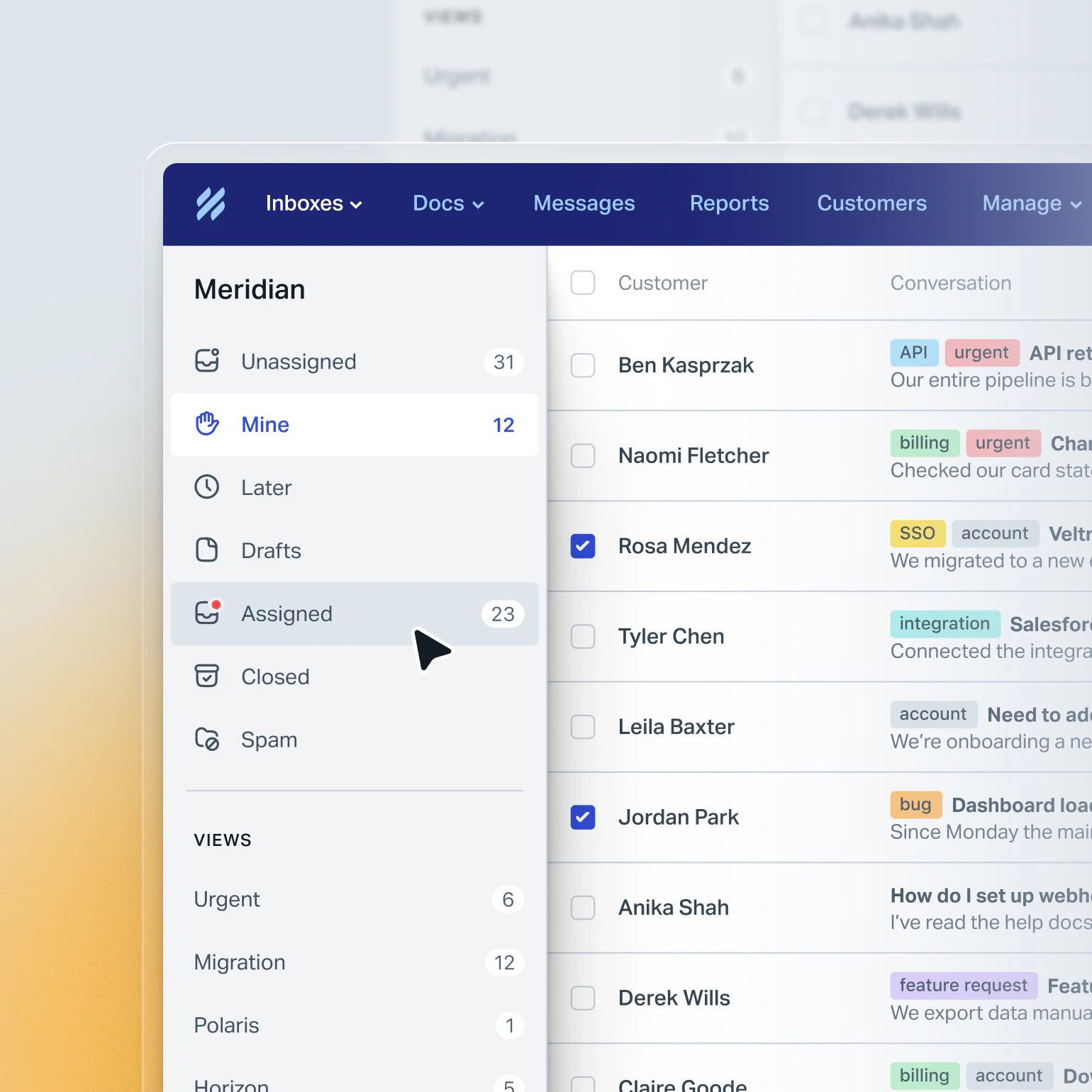
Get aligned with every conversation in one place
It’s easy to lose track of support requests when you’re bouncing between different tabs, platforms, and inboxes to manage them all.
Whether you’re fielding questions via email, chat, or social channels, Help Scout brings them all into one intuitive space for collaboration.

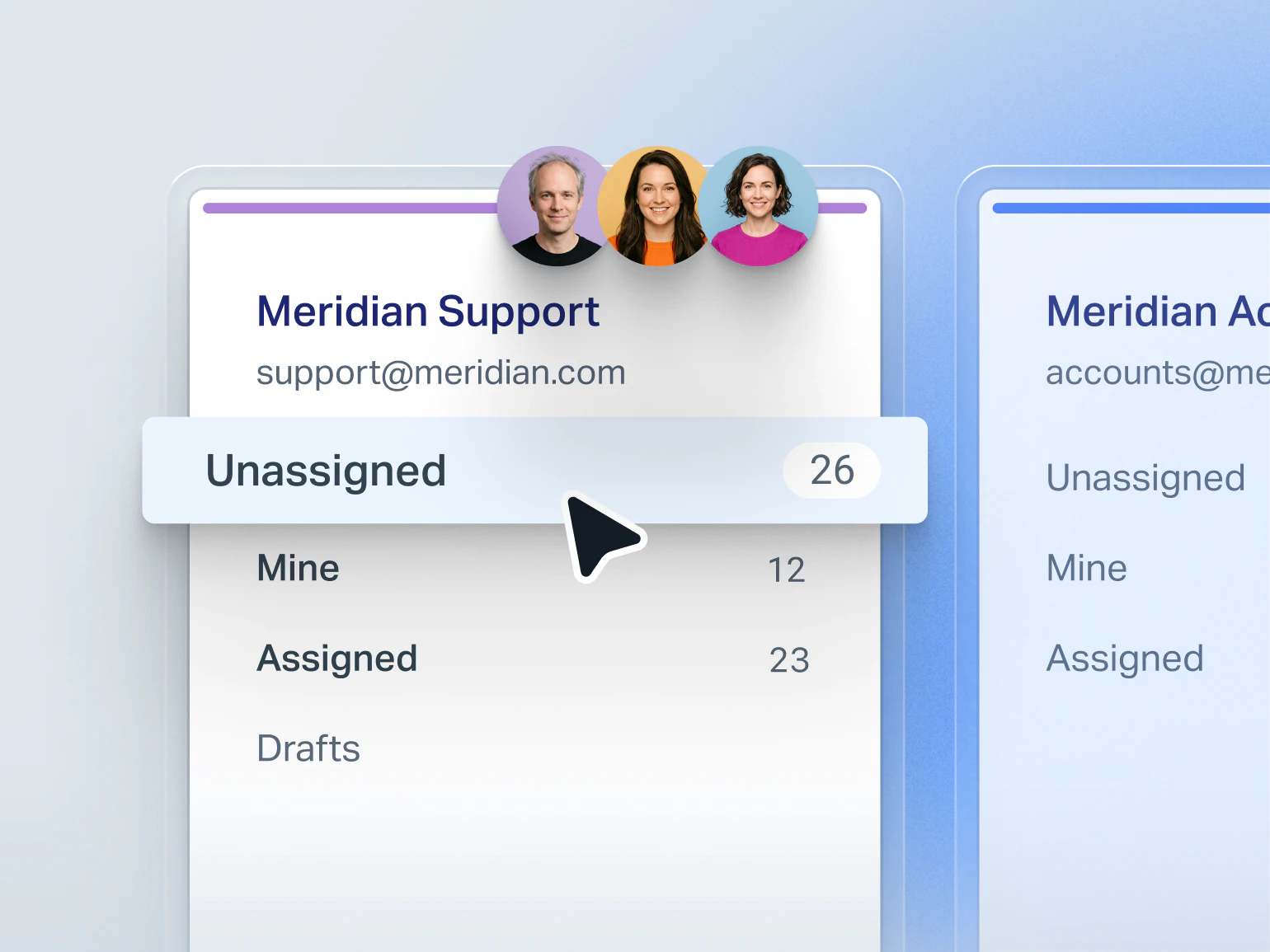
Organize support your way
Create separate inboxes for different products or departments, or organize your staff into teams and manage every support channel from one inbox.
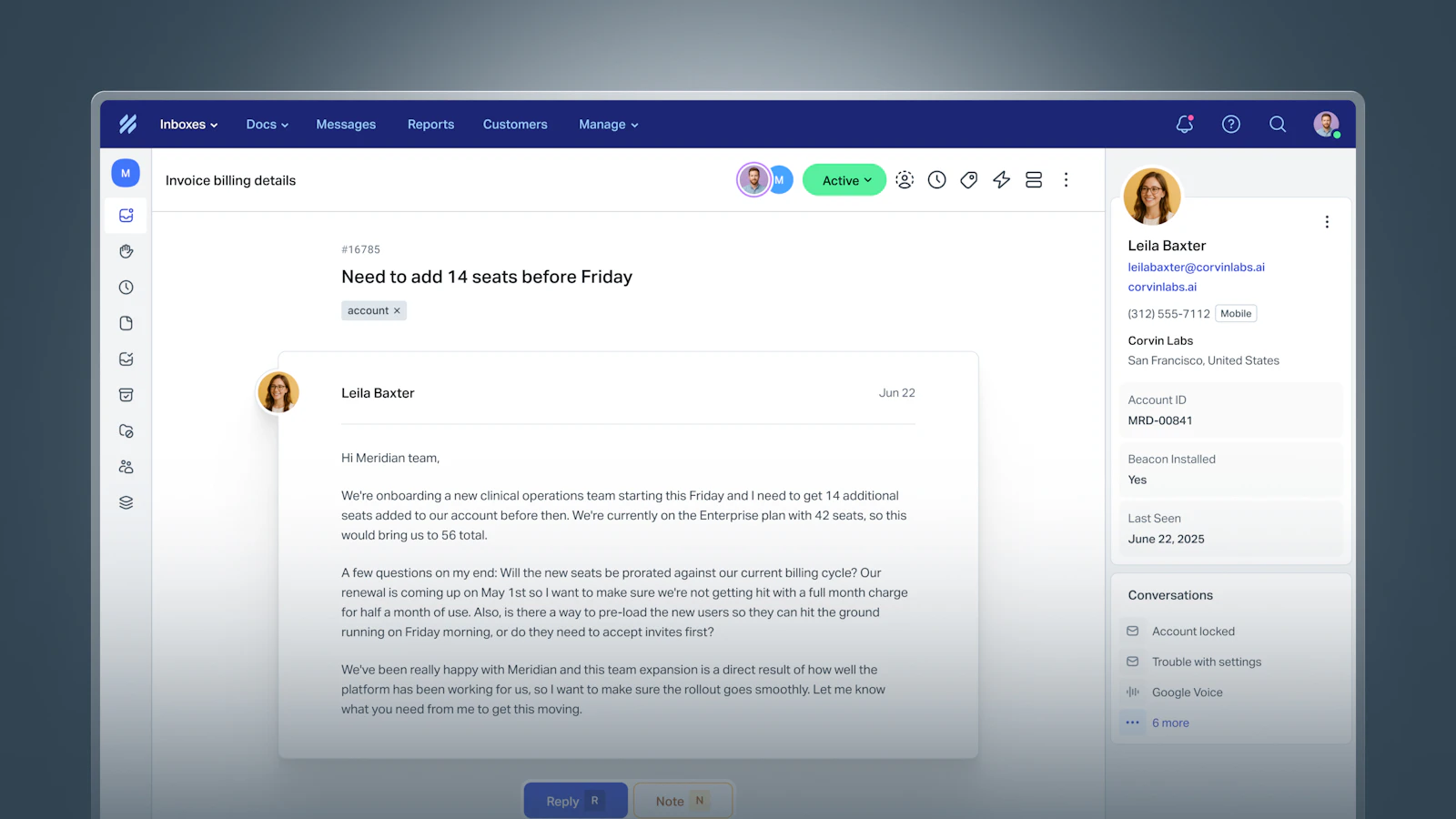
Get instant context
You’ll have key account details at a glance alongside every conversation. View past messages from all company contacts, subscription details, and more, all without clicking away.
Stay in sync with notes
Add internal notes to conversations so you can ask engineering about a bug report, clarify a contract with billing, or offer feedback on a teammate’s reply.
No more duplicate replies
Your inbox alerts you when a teammate is already responding, so you can skip the “You got this one?” Slack messages.
Hit your SLA targets
Track your response and resolution time goals for key accounts so you can deliver on promises and keep everyone accountable.
Route conversations automatically
Assign conversations or route them to the right person automatically to balance workloads and make sure nothing slips through the cracks.
Gain time for more than just tickets
With automation and AI built into your workflows, your team doesn’t have to spend hours on manual triage and repetitive questions week after week.
You’ll get back time to focus on proactive support, customer success conversations, and flagging product issues before they become churn risks.
Stay consistent with proven replies
Build a library of saved replies for common scenarios like login issues, feature requests, and more. Your team saves time, your customers get the best answers.
Get out of triage mode
Create workflows to label, prioritize, and sort conversations automatically so your team can spend more time on customers, not organizing the inbox.
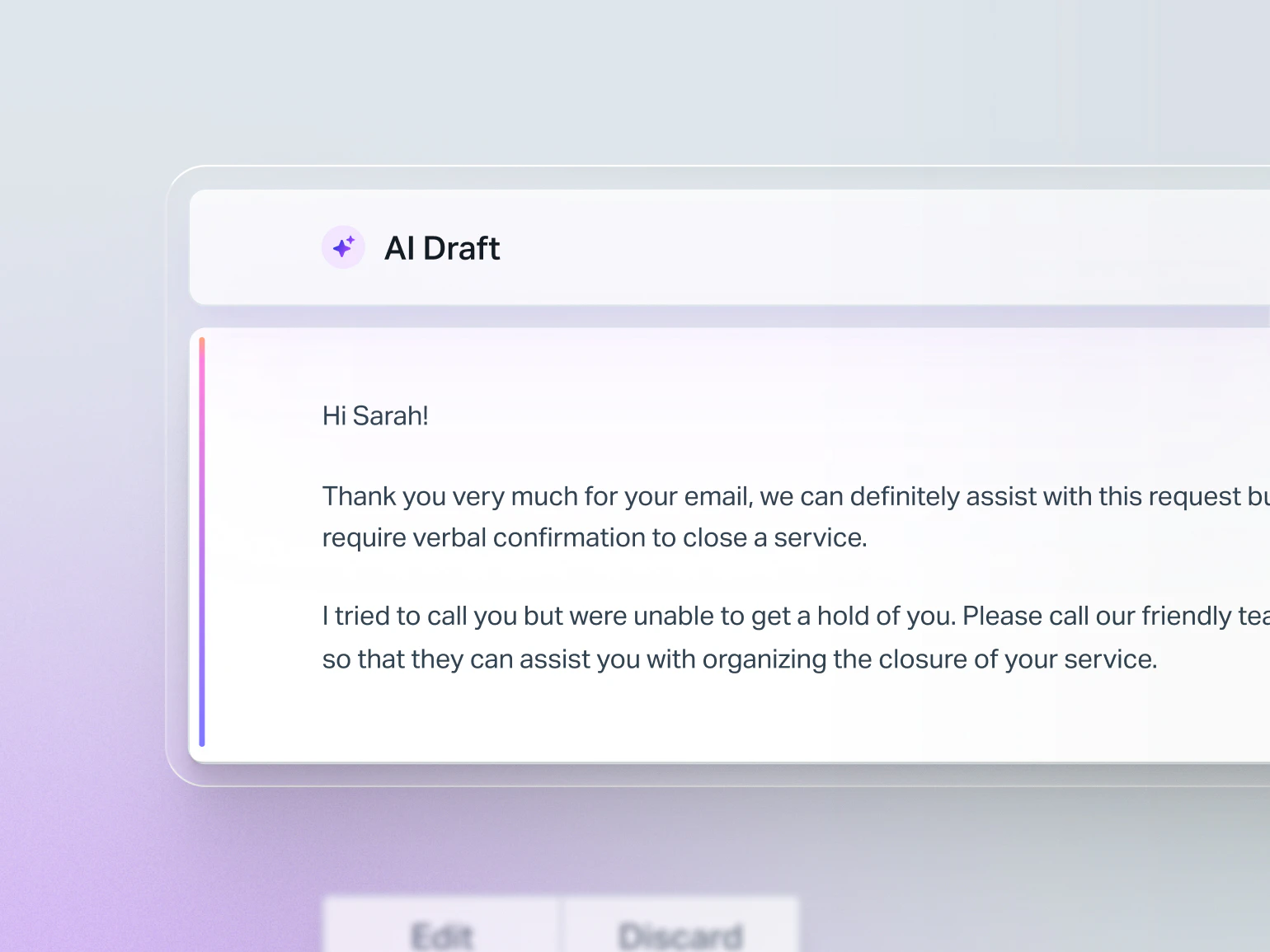
Generate drafts with a click
Use AI to draft initial responses based on past conversations and your help documentation. All you have to do is review, tweak if necessary, and hit send.
Lighten the workload with AI Agents
Use AI trained on your help content to take even more requests off your team’s plate. With an average resolution rate of 73%, you can count on fast, accurate solutions that keep the queue moving.
AI that improves itself
The system learns from every interaction, so you can scale its performance without constantly rewriting training documentation.
Catch up on long threads
Summarize conversations with AI so you don’t have to review all the back-and-forth to weigh in or reply.
Close the loop between product and support
Support conversations are signals into what’s broken or missing. With tools like tags, custom fields, and reports, you can turn those signals into something your product team can actually act on.
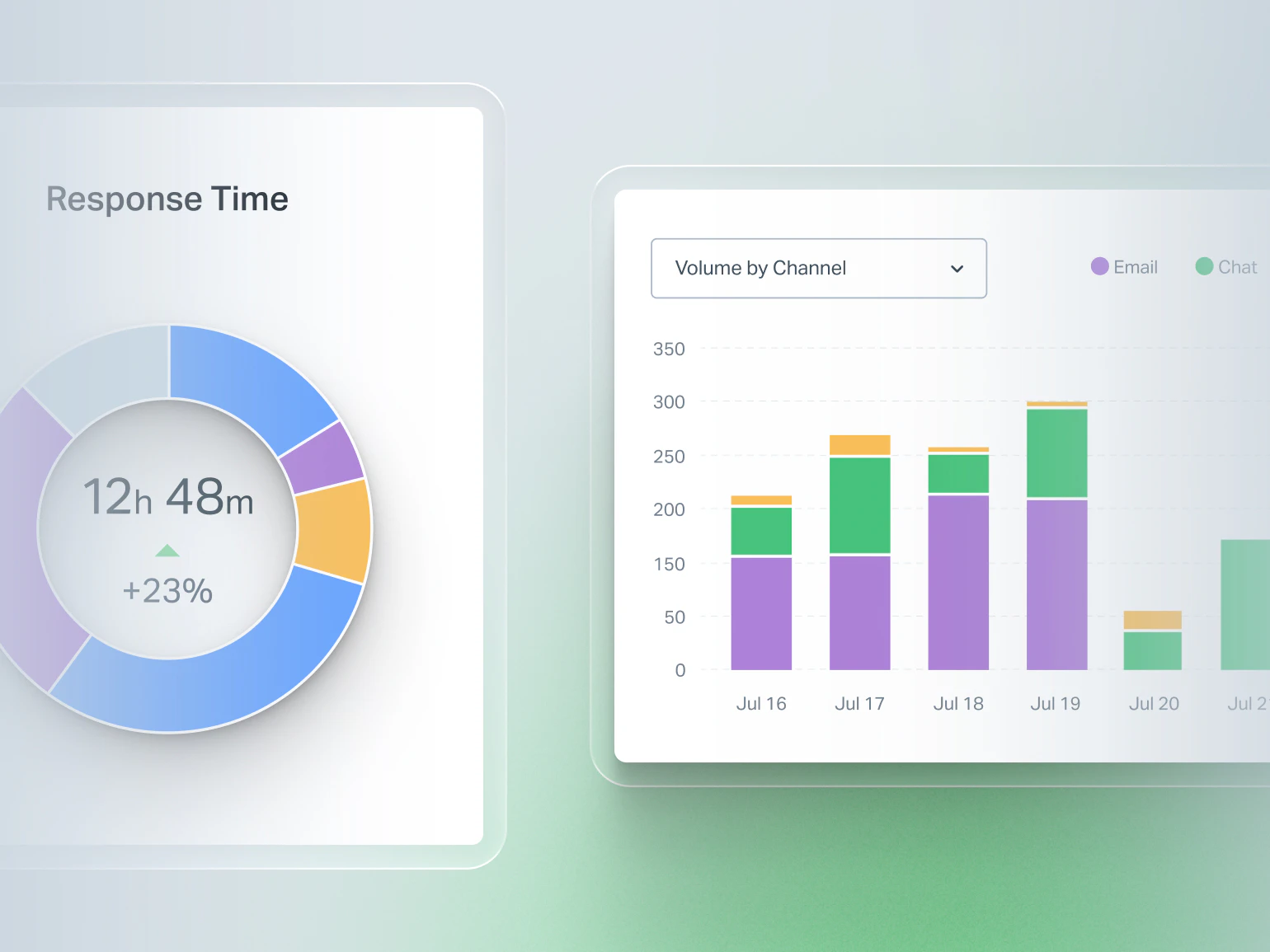
Track recurring issues
Tag conversations by theme so you can spot patterns before they become widespread problems.
Guide your product roadmap
Use reports to surface which issues are generating the most volume, so you can make a data-driven case for prioritizing fixes.
Tap in product and engineering
Light user seats give developers, PMs, and founders visibility without taking up a full seat. No more sharing screenshots over Slack.


My favorite part of Help Scout is the visibility it gives you into the customer journey. All of the conversation history, common issues, requested feature enhancements…it’s available for the entire company to absorb.
Connect support to the rest of your stack
With an expanding library of 100+ integrations, you can get data where it needs to go and automatically trigger actions across your stack. Looking to build something custom? Help Scout’s well-documented API simplifies the process.
Slack
Keep an eye on support activity where your team already works together. Instantly post Help Scout events, automatically @mention assignees, and get notified when conversation statuses change.
Salesforce, HubSpot, & more CRMs
Pull in key context and customer activity right into the conversation sidebar. With your CRM connected, you won’t have to spend extra time cross-referencing details across multiple platforms.
Linear & Jira
Make sure bug reports and feature requests don’t slip through the cracks. Create new issues that link to the original conversation, all without leaving Help Scout.
Stripe
Manage payments without leaving the conversation. The Stripe integration lets you view transaction history and subscription status, issue refunds, and troubleshoot payment issues with ease.
Zapier
Looking to connect a tool that doesn’t have a direct integration with Help Scout? Connect Zapier and you can plug into hundreds of additional apps.
WhatsApp, Messenger, & Instagram
Bring social channels right into your inbox so you can keep all customer communications under one roof.
Keep volume manageable at scale
Whether you want to help your users help themselves or offer more paths to support, Help Scout has you covered.

Knowledge base
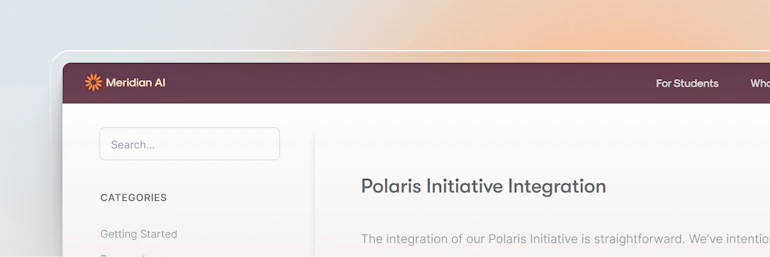
Fielding lots of repeat questions? Take the pressure off by creating a home for product tutorials, how-to articles, FAQs, and everything else users need to know. You can also create private knowledge bases that store internal resources for your team.
AI Answers
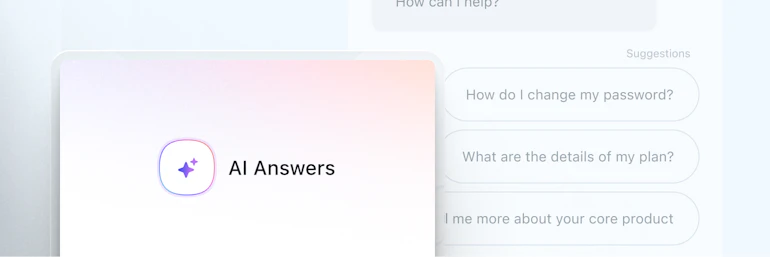
Give users a path to instant help 24/7 with AI Answers. It uses content from your knowledge base, website, and other designated sources to provide fast, reliable answers via your website or app.
Proactive messaging
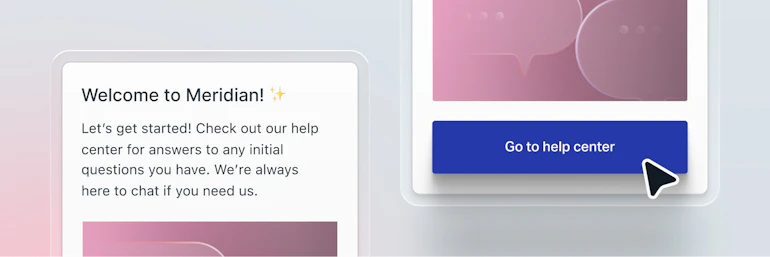
Trigger popups and banners in-app or on your website to drive more engagement where you need it most. Messages are perfect for onboarding, driving new feature adoption, surveying your users, and more.

Live chat
Add chat to your app or website so you can handle customer issues in real time. It’s managed right in the inbox and runs based on your team’s availability.

Before Help Scout, we were on a complicated help desk. Now, it’s easy to communicate with our customers. Our inboxes are easy to monitor, and we’ve reduced our workload by 50%, making our team twice as productive.
See how SaaS teams like yours use Help Scout


Switcher
Onboarding with Intercom was going to take 6 months. Help Scout did it in 24 hours.

eCatholic
Learn how eCatholic handles over 15% of conversations automatically with AI Answers.

Brain.fm
See how Brain.fm keeps response time under an hour, even with 100k+ users.

Mixmax
Mixmax uses key reporting insights to make the right staffing decisions as they scale.
Already using Help Scout and want to go deeper?
Explore our software hubFAQ
Yes. Help Scout works by forwarding your existing email account (support@, help@, billing@, etc.) into our system. Once messages land in your Help Scout inbox, you can use the platform to handle them. All emails sent from Help Scout will still go out using your existing address. While your existing address will continue to function the same, you’ll need to use Help Scout to manage its emails after you switch.
We partner with a company called Import2, which makes migrating old messages easy whether you're coming from Gmail, Outlook, Zendesk, Intercom, or many other platforms. Your conversation history comes with you.
Read more about Import2’s service.
Yes. Access to incoming messages is managed at the inbox level. You can create multiple inboxes (one per product, one for billing, one for enterprise clients) and control which team members have access to each one separately.
We’re happy to talk through how to structure inboxes for your specific setup. Feel free to reach out to our support team or schedule a demo.
Help Scout’s reporting dashboards surface key metrics like conversation volume, first response time, resolution time, and customer satisfaction across all your inboxes and channels.
But reporting in Help Scout goes beyond team performance. Using tags, custom fields, and conversation data, you can identify recurring issues, spot product gaps, and understand what’s driving ticket volume. You can also create custom reporting filters to track conversations by tag, custom field, inbox, or team member.
Learn more about reporting in Help Scout.
Yes. Many software companies have founders, developers, and product managers in Help Scout alongside dedicated support staff. Light user seats let occasional contributors view and comment on conversations without taking up a full seat, and the platform is intuitive enough that someone who only handles escalations once a week doesn't need a tutorial every time they log in.
It’s easy for everyone to stay close to the customer with Help Scout.
Help Scout’s AI features are grounded in your own documentation and knowledge base, so content doesn’t come from sources you haven’t approved. Most importantly, you’re in control of the experience. AI can be one of many support options you list, or you can use it as a first point of contact. It never has to be the only option. Plus, if your customers do engage with AI, human help is always within a couple of clicks.
On the team side, AI can help draft replies, summarize long conversation threads, translate text, and revise your drafts. You stay in control of what’s enabled and how it’s configured.
Learn more about Help Scout’s AI features.
Help Scout can be up and running in minutes. Connect your support email, invite your team, and you’re ready to go, no development resources required.
For teams that want to go deeper, Help Scout’s API and native integrations with tools like Slack, Jira, Linear, HubSpot, and Stripe make it easy to connect to the rest of your stack.
Reach out to our support team or schedule a demo if you’d like to walk through what the setup process looks like for your team.





